

Quick-Support
Access and download the essential tools to enable secure remote support for technical assistance across all your connected devices.
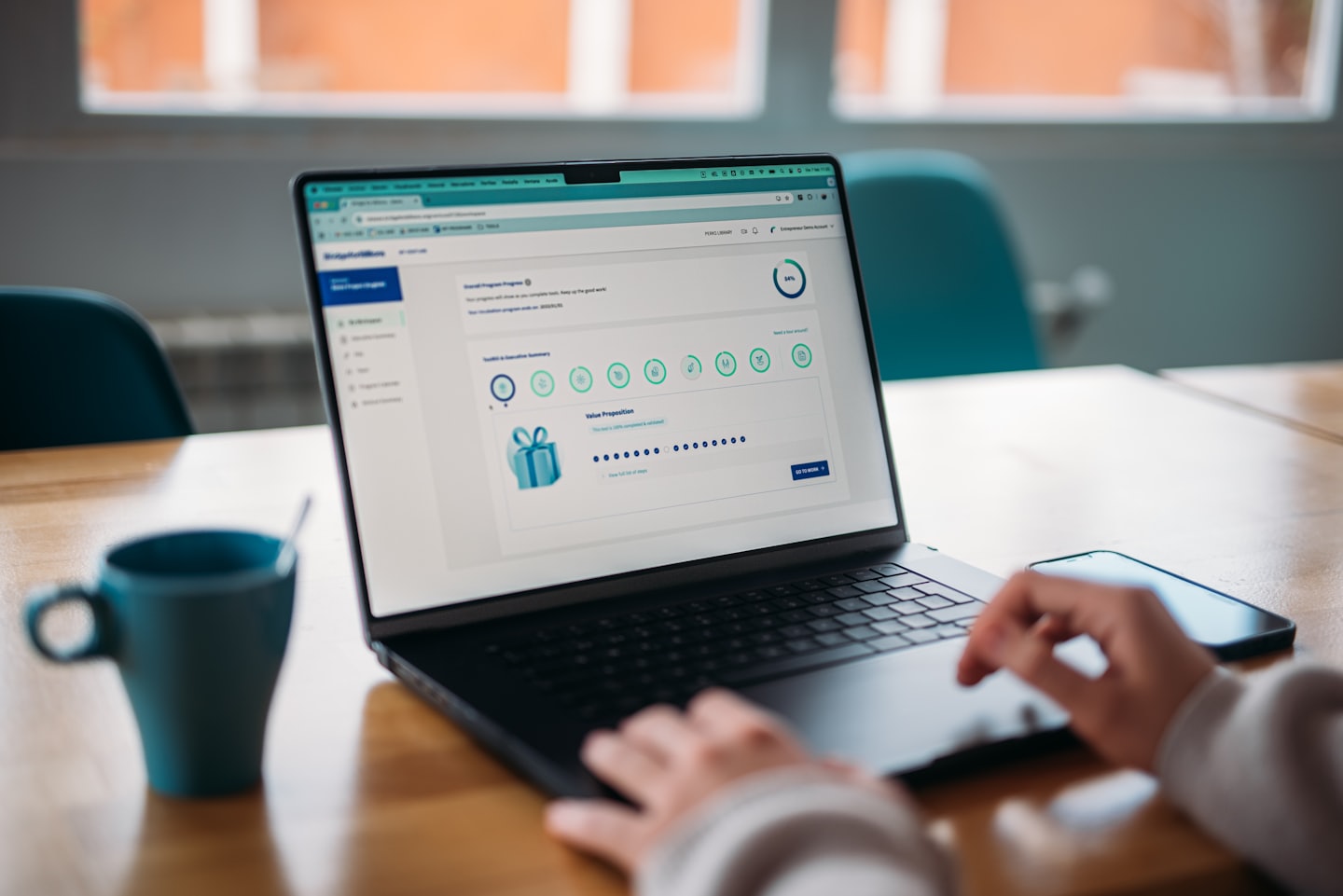
Access Our Remote Tools
This section highlights the essential tools and capabilities to download for seamless remote support and device assistance.

Quick Download
Instantly grab the required support client.

Secure Access
Connect safely with encrypted technician sessions.

Device Help
Enable immediate assistance for your hardware.
Support Process
This section outlines the step-by-step process, helping you easily download tools and connect with technical assistance.

Step One: Download Tool
Access and download the secure remote support software needed to enable immediate technical assistance for your devices.

Step Two: Connect
Launch the downloaded application and provide your unique session details to securely connect with our support technician.

Step Three: Resolve
Receive expert technical assistance as our team troubleshoots and resolves your device issues quickly and securely.
Download Tools for Fast Remote Support
This section guides visitors to securely download the necessary remote assistance tools for their devices. It highlights the ease of getting expert technical help and provides clear instructions to initiate your support session quickly.